
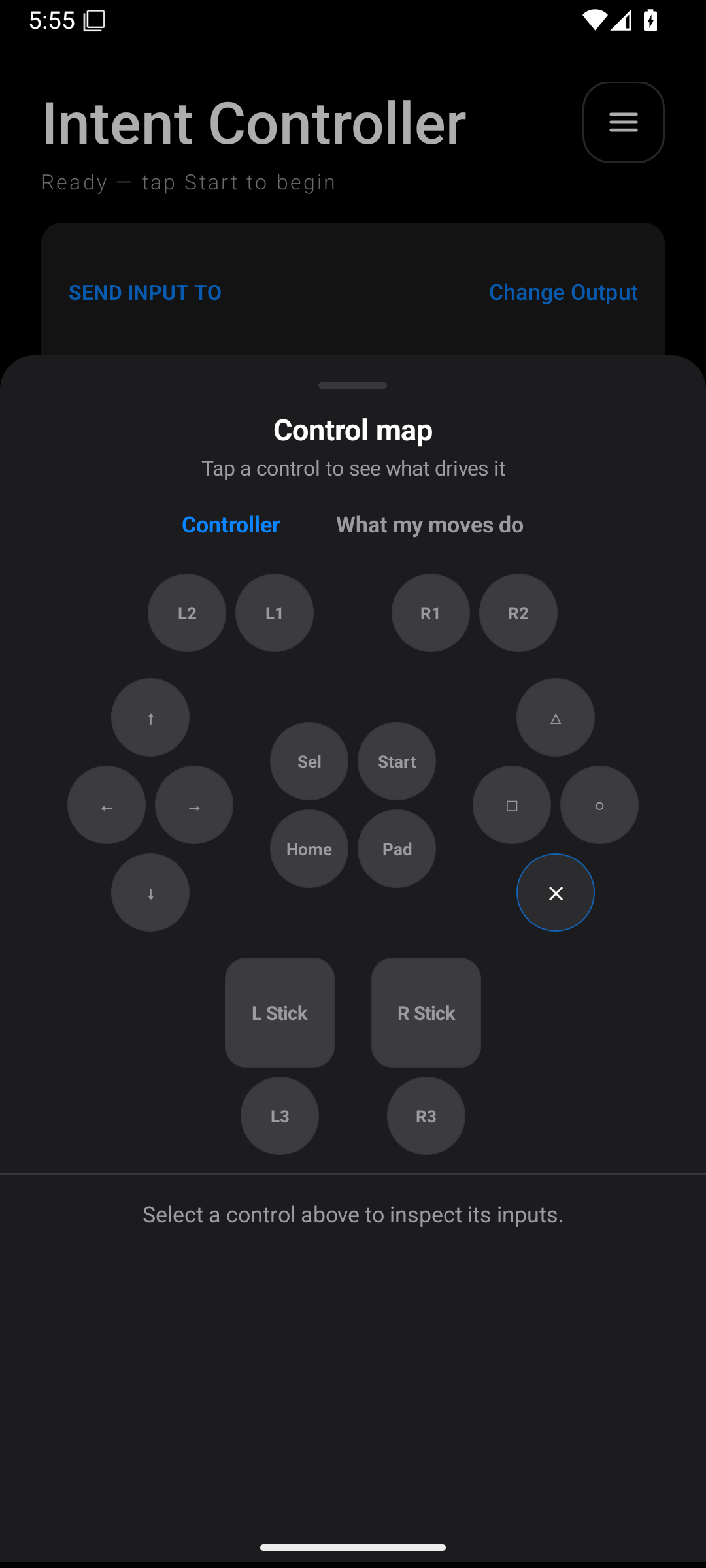
The Control Map helps answer two questions: “What drives this controller button?” and “What do my inputs do?”
- On the home screen, open the three-line menu.
- Tap Control Map.
- Use Controller to inspect output controls.
- Tap a button or stick in the diagram.
- Read the contributing mappings and their order.
- Use What my moves do to inspect the input side.
- Tap a mapping when offered to open its editor.
Use this before a long play session and after importing a profile. Look for missing controls and unexpected overlaps. If your new fire mapping appears to do nothing, another mapping to R2 may have earlier priority.